Mastering Google Search Console SEO for Data-Driven Website Performance in 2026
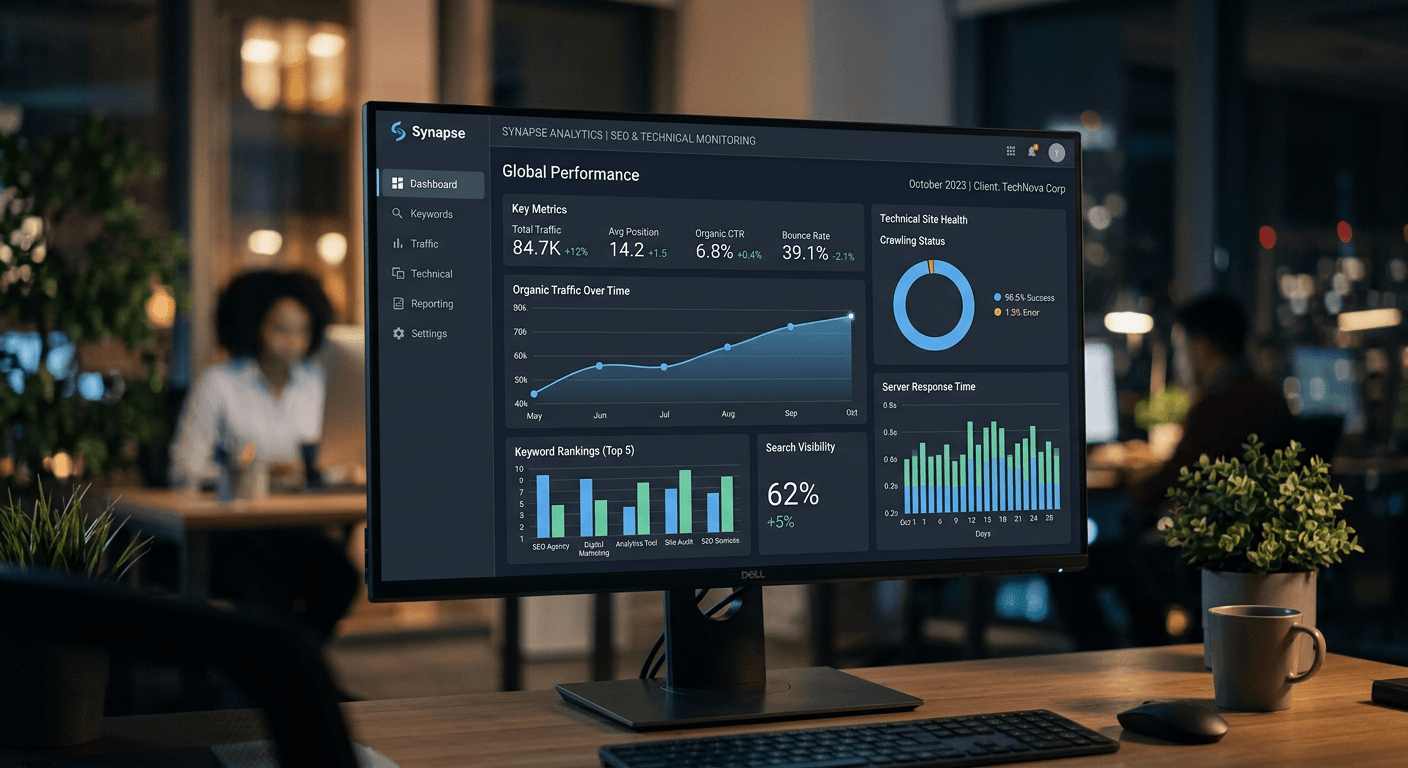
Google Search Console SEO is the foundational element for any digital marketer aiming to improve organic visibility and resolve technical site health issues. While modern search engines are increasingly integrating AI-driven retrieval, the core signals monitored within the Search Console interface remain the primary metrics for understanding how search crawlers interact with your content. By leveraging this data, teams can transform raw indexation logs into actionable strategic shifts that drive long-term organic growth.
Quick Summary
Google Search Console is a diagnostic suite providing direct insights into how search engines crawl, index, and rank your digital properties. It acts as the primary feedback loop between search providers and webmasters.
- Monitor core crawl errors and indexation status.
- Identify high-intent search queries driving actual traffic.
- Analyze page experience and technical site health metrics.
- Submit sitemaps to ensure timely discovery of new content.
Table of Contents
- Quick Summary
- Configuring Your Account for Accurate Tracking
- Analyzing Performance Metrics and Search Intent
- Resolving Indexation and Crawl Issues
- Optimizing for Technical Site Health
- Common Pitfalls and Troubleshooting
- Frequently Asked Questions
- Recommended Reads
Configuring Your Account for Accurate Tracking
Before diving into diagnostics, you must ensure your property is configured correctly to capture a holistic view of your domain. Start by verifying domain-level ownership, which captures all variations of your URL - including subdomains and protocol differences (HTTP vs. HTTPS). This ensures that Google Search Console help data is unified rather than fragmented across multiple property profiles.
Once verified, submit your XML sitemap via the Sitemaps report. This provides the search crawler with a structured map of your site, reducing the time required for discovery. If your site structure changes frequently, keep these sitemaps updated to ensure the search index reflects your most recent content. This is the first line of defense in maintaining healthy search visibility.
Analyzing Performance Metrics and Search Intent
The Performance report is the engine room of Google Search Console SEO, offering granular data on how users interact with your pages in search results. Focus on the four core metrics: clicks, impressions, click-through rate (CTR), and average position. By filtering these by query or page, you can identify high-intent keywords that are currently under-performing.
Look for queries where you have high impressions but low CTR; this is a clear signal that your meta titles or descriptions are failing to resonate with user intent. Conversely, a high-position, low-traffic query suggests that the topic may have lost search volume or relevance. Using this Google Search Console SEO tool allows you to pivot your content strategy toward high-value terms that actually move the needle for your business.
Resolving Indexation and Crawl Issues
The Indexing report is critical for identifying why certain pages may be failing to appear in results. Common status codes such as "Crawled - currently not indexed" or "Discovered - currently not indexed" indicate that while the crawler knows about the page, it has chosen not to add it to the index. This often stems from low-quality content, thin pages, or architectural issues that prevent the engine from seeing sufficient value.
Validate your fixes by using the URL Inspection tool. After you have updated content or adjusted robots.txt directives, click "Test Live URL" to see if the engine can now render the page correctly. If errors persist, check for server-side issues or canonicalization conflicts that might be signaling to search providers that the page is a duplicate.
Optimizing for Technical Site Health
Modern Google Search Center features extend beyond mere link indexing into the realm of User Experience (UX). The Core Web Vitals report, powered by field data, identifies pages that provide poor loading performance or layout shifts. Since these metrics now influence ranking, resolving these issues is a technical prerequisite for maintaining visibility.
Use the Pages report to segment issues by category, such as slow server response times or excessive JavaScript execution. Addressing these technical bottlenecks often requires a collaborative effort between SEO teams and developers. Focus on optimizing asset delivery, minimizing render-blocking resources, and improving server latency to ensure your pages meet the benchmarks required for competitive search performance.
Common Pitfalls and Troubleshooting
One common mistake is over-reacting to minor fluctuations in average position. Position data is often skewed by personalized search results and seasonal demand, so always prioritize click-through volume over ranking position when assessing success. Another frequent pitfall is ignoring manual action notifications; these are explicit warnings that your site has violated quality guidelines.
If you find your site is not being indexed, check your robots.txt file to ensure you have not accidentally disallowed the crawler from sensitive directories. Furthermore, avoid the temptation to submit every single page individually; rely on your sitemap for bulk discovery and use the manual inspection tool only for critical updates or debugging specific page-level rendering failures.
Frequently Asked Questions
- How long does it take for indexation changes to appear in the console? Typically, it can take anywhere from a few days to several weeks, depending on your site's crawl budget and current update cycle.
- Does a low average position always mean my SEO is failing? No. It depends on your traffic. If your clicks are increasing, you may be ranking for a broader range of keywords, which naturally lowers the average position while increasing total value.
- Should I worry about every single error in the coverage report? Not all errors are created equal. Focus on critical crawl errors that prevent your main landing pages from being indexed before addressing minor structural warnings.
- Can I use these insights to optimize for LLM citations? Yes. The principles remain similar; by providing high-quality, structured, and technically sound content, you increase the likelihood of your site being surfaced as a primary source by AI-driven search agents.